Business News, Bondaval Team
Using saved filters in the BondavalOS Portfolio section
What’s in the Portfolio section?
When you share accounts receivable data on your buyer with Bondaval, you now have access to the Portfolio section of BondavalOS.
In the Portfolio section, you can see all your limits, matched to verified credit bureau information, and then mapped to your own accounts receivable information, so you can track the current utilization of your insurance coverage.
It’s not just your larger, named limits that you can monitor. Thanks to straightforward data ingestion into BondavalOS, you can also see all limits covered by your policy, including smaller limits that fall beneath your discretionary credit limits: a holistic view of your buyers, from top to bottom.
Whether you want to see a breakdown by country, sector, debtor group or your internal credit rating, BondavalOS can give you a snapshot of your overall portfolio of buyers according to your latest accounts receivable report.
And as a native part of BondavalOS, you can also create and save dynamic filters to apply to your portfolio. It’s a simple yet powerful way to organise information on your buyers to help you do your work more efficiently.
Example use cases for saved filters in BondavalOS.
Overtrading watchlists.
With filters, you can surface buyers whose outstanding accounts receivable position is exceeding your insurance coverage, then save that view to help you spot issues sooner.
Just filter utilisation to ‘Greater than 100%’ to get a list of all buyers where their most recent accounts receivable position exceeds their insured limit.
To get an early heads up, you can also create a list of limits where limit utilisation is more than 80%, so you have more time to understand the situation and take corrective action.
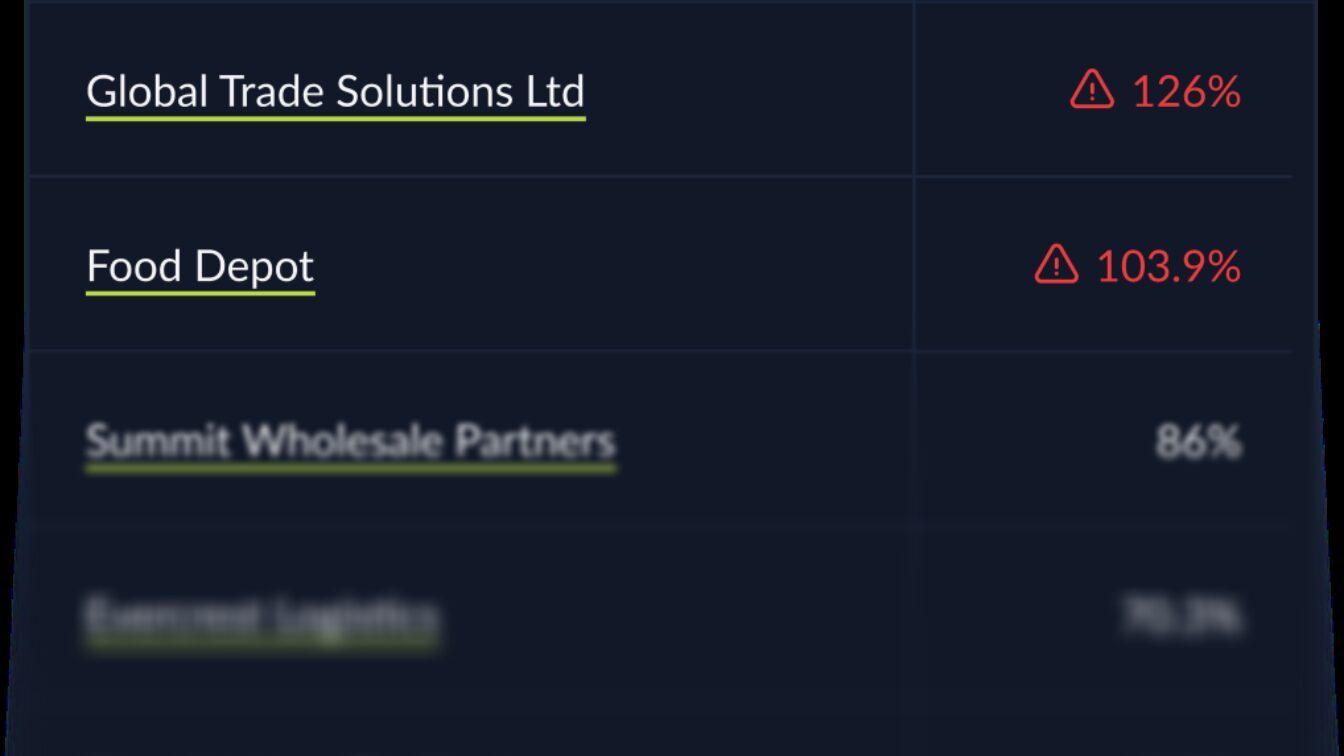
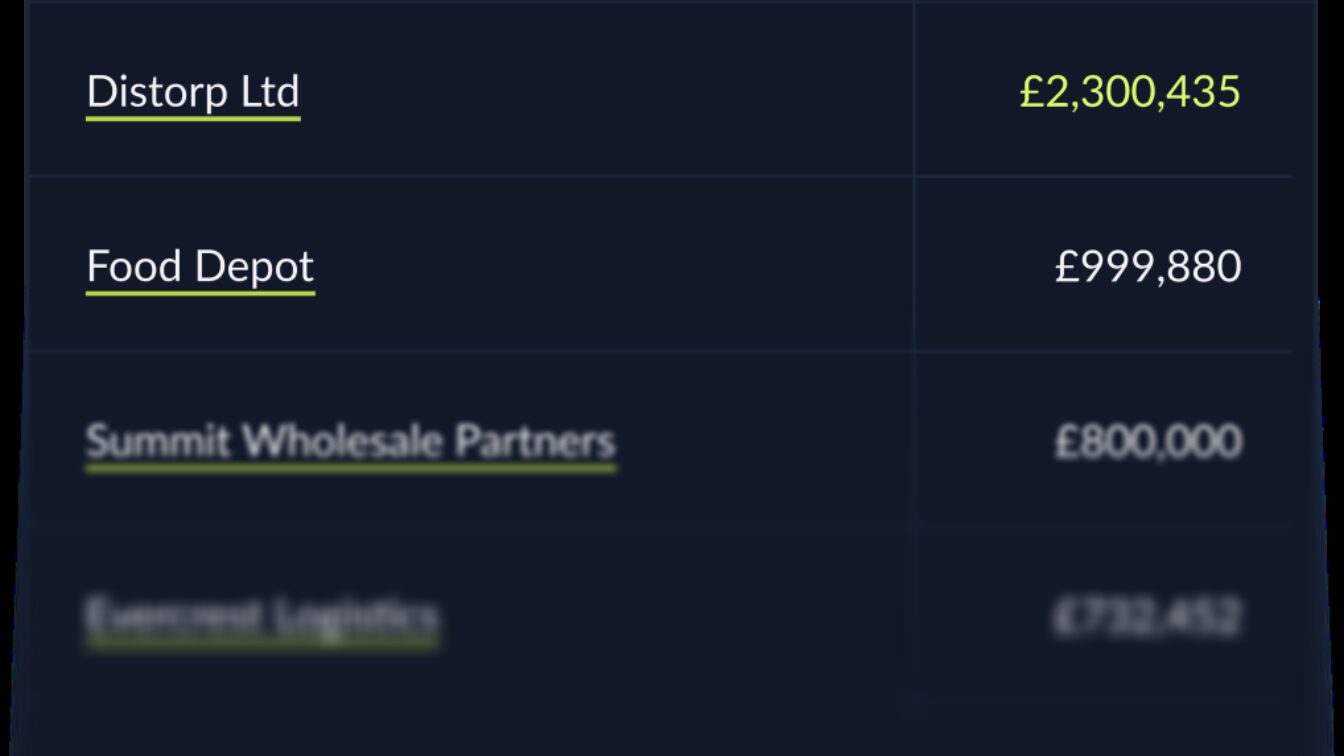
Commercial opportunity spotlight.
You can also combine filters to get even more useful lists of buyers. For example, by filtering for accounts with underutilised limits, who also trade in certain target sectors, you can discover possible growth opportunities.
Share this list with your sales team, and they can quickly see where they might have the most headroom to target their expansion efforts.
Alternatively, greater levels of underutilisation might also mean you have scope to offer better payment terms to a client as part of any commercial negotiations.
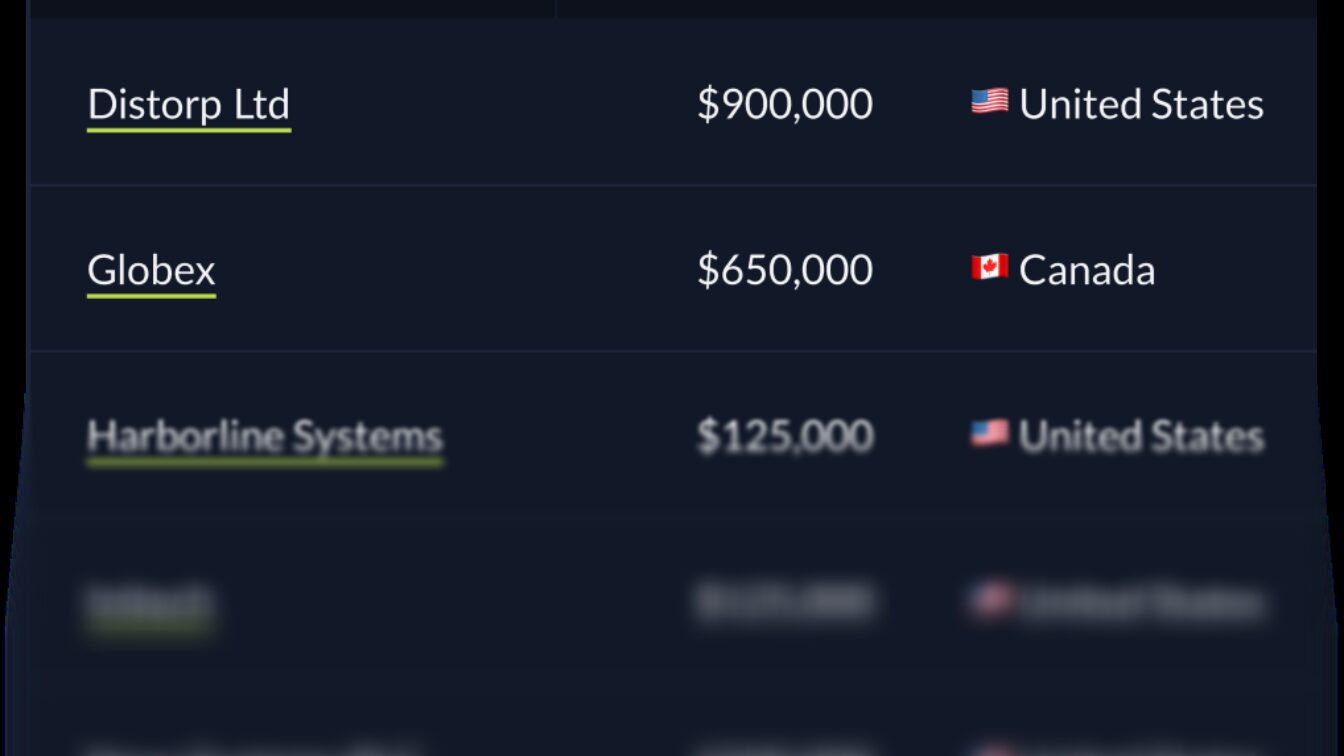
Country-based account support.
Filtering by country can help you to quickly distribute your ledger among your team, split by your sales territories.
For example, if you are responsible for limits in the DACH region, you can filter on companies based in Germany, Austria and Switzerland to pull a list of your limits.
Alternatively, if you want to monitor buyers based in higher risk countries, or understand your exposure to countries in the news, simply set the country filter to pull your list of buyers. Now you can more quickly respond to management requests on exposure across in-focus countries.
How to make your own saved filter in BondavalOS.
First, log into BondavalOS and go to the Portfolio section.
Note: to access the Portfolio section, you must be sharing accounts receivable data with Bondaval. Contact your broker to discuss setting up accounts receivable sharing.
Click the Filter button to open the Filter side panel. Here you can set the criteria that govern which limits or buyers you’ll see in the main table.
Once you’re happy with your filter, choose Save filter. Here, you can name the filter, as well as decide whether the filter should be shared with your organisation or kept private to you.
To find your saved filters, open the filters panel again. You’ll find all the filters you’ve created in the Saved Filters tab.